Blog, Kashmiri Language
Google Introduces Kashmiri Language In Their Keyboard App
Apr
Do you love Kashmiri language?
Do you want to type in Kashmiri Language?
Hold your breath, dear friends!
Now, for the first time ever, an app has added a support for Kashmiri language (somebody loves us). And guess what? It’s none other than the search giant Google.
Yes, Google!
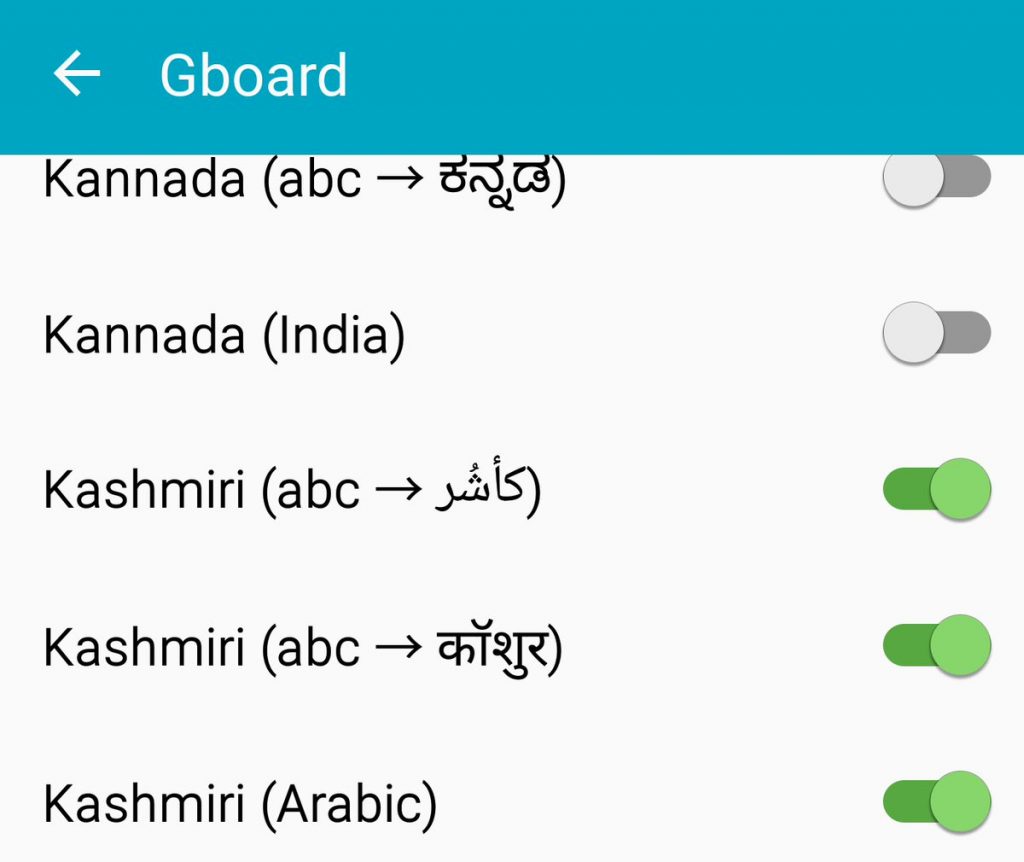
Google in its keyboard app, Gboard, has added support for our beloved language, Kashmiri. You can now type in Kashmiri language on your Android keyboard. Not only that, if you don’t know exact Kashmiri, you can type in English and Gboard will change it to Kashmiri.
To activate a language, go to Gboard settings, followed by Languages. Turn off the “Use system language” option and enable your preferred language from the list. To switch between languages while typing, long touch the spacebar.
In case, Gboard in not your default keyboard, first download it from the link below, then go to phone settings followed by Language and Input and change the keyboard to Gboard in “Default” keyboard.
Download Gboard from here
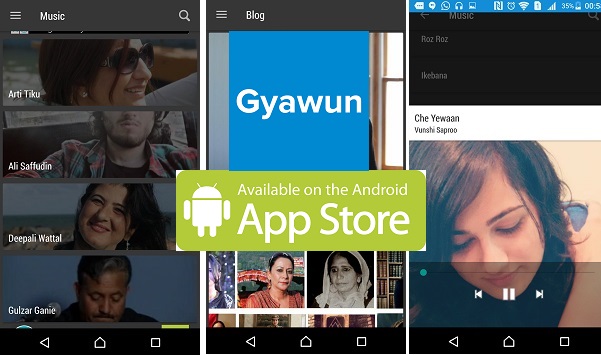
Gyawun app can also be downloaded from Android app store now. Download Gyawun android app here